clear.live products were designed to provide an outstanding communication experience for everyone, no matter what.
Accessibility

Efficient and effective solutions for any user
Our robust suite of easy-to-use tools provide efficient and effective solutions for any user in any location or situation. Our team carefully monitors user feedback and works tirelessly to test our systems with assistive technology to ensure that our products always exceed your expectations and suit your wants and needs.
Assistive Technology in Action
Accessibility Feature

Accessibility Settings
Select comfortable font size for chat and closed captioning in our easy-to-adjust accessibility settings. If you choose to use Clear.Live with a screen reader tool, you can customize what you hear with screen reader alerts tailored to your preferences.
Keyboard Accessibility
Get things done quickly and easily with a few simple clicks of your keyboard. Clear.Live supports keyboard shortcuts to control system features.
Screen Reader Support
Need to use Clear.Live without a screen? We adhere to the latest accessibility standards to guarantee our tools are fully accessible to all screen reader tools.
Automatic Transcripts
Meeting transcripts are immediately generated and automatically synchronized, making it simple to search and review recorded meetings in the cloud.
Third Party Captioning
Closed captioning ensures that you don’t miss anything. Clear.Live integrates call content seamlessly with third-party closed captioning providers through our Closed Captioning REST API.
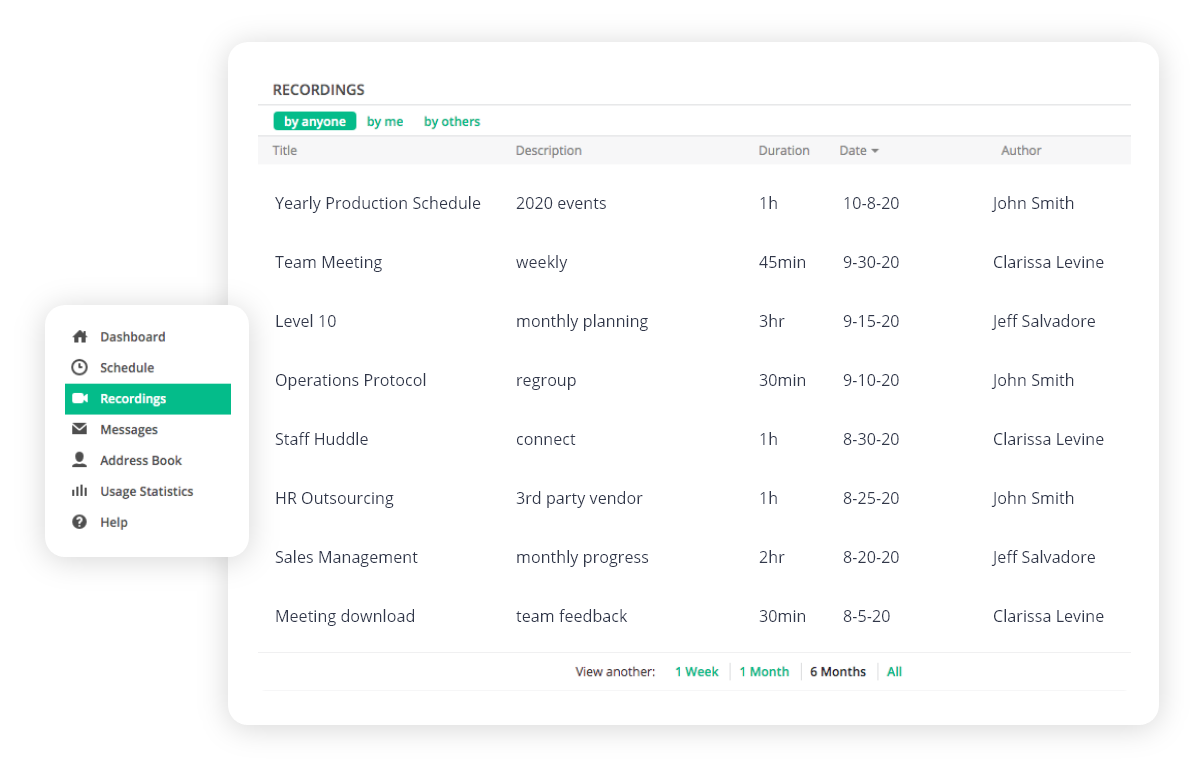
Customizable Video Library
Personalize your video gallery view by selecting and dragging videos to a different position, organizing them to best suit your preferences.
Multi-spotlight and multi-pinning
Meeting hosts have the ability to spotlight interpreter or speaker video windows to ensure that all call participants can see these people, regardless of who is speaking. Users may also pin multiple videos for a personalized, custom view.
Our Products are compliant with the following standards:
Accessibility Documents
Client of Meeting
Web Pages and Extensions
Mobile Apps
Plug-ing for Outlook
There’s more where that came from
Our resource center is awesome. Get your technical questions answered.

Meet in a new way
Enjoy the most secure yet affordable web conferencing tool available today.